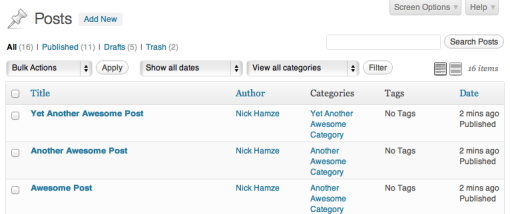
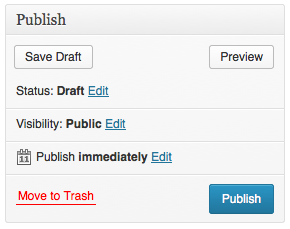
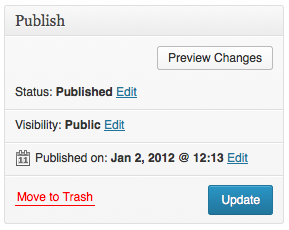
Basic and Gold members receive, pre-installed access, in their dashboard to the following video tutorials:
- The Dashboard
- Posts vs. Pages
- The Editor
- Creating a New Post
- Post Formats
- Edit an Existing Post
- Using Categories and Tags
- Creating and Editing Pages
- Add Photos and Images
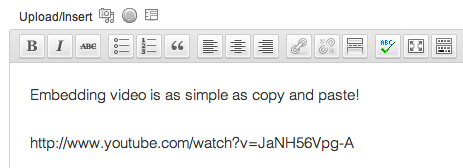
- How to Embed Video
- Using the Media Library
- Managing Comments
- Creating Links
- Changing the Theme
- Adding Widgets
- Custom Menus
- Installing Plugins
- Adding New Users
- Useful Tools
- Settings & Configuration
Each are professional and clearly understood. For anyone needing assistance with how to build a WordPress website, this is the place to start. We have them made upon every major WordPress release. To give you an idea of how often WordPress releases upgraded, there could easily be six major releases in any given year!
[s2If !current_user_can(access_s2member_level0)]Welcome Guest, You will need to [footer_loginout] to view more content on this page. If you’re not yet a member let’s get started.[/s2If]
[s2If is_user_logged_in()][s2Get constant=”S2MEMBER_CURRENT_USER_FIRST_NAME” /] [s2Get constant=”S2MEMBER_CURRENT_USER_LAST_NAME” /], To view videos, go to your dashboard: dashboard>>video tutorials It will be at or near the last item on the left hand menu.[/s2If]